Account, security & email reminders
Change your name & password, set the weekly reminder, choose your language, or delete your account.
- 1
Open Account (the More menu on a phone, or your name at the bottom of the sidebar).
- 2
Weekly reminder: every Monday morning you get an email with overdue tasks, tasks due this week and upcoming vendor payments. Only sent when there's something to do.
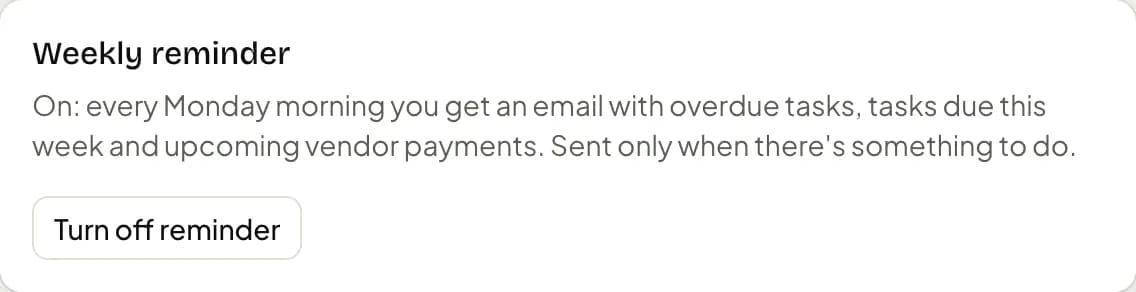
Weekly reminder setting - 3
Change your password (or create one if you sign in with Google). Other signed-in devices are signed out.
- 4
Delete your account at the bottom of the page. A wedding with other members stays; ownership moves to them.