Share links for your planner & family
EssentialsThe timeline, vendors, song list, shot list and moodboard can be viewed without an account, and can't be changed.
- 1
On the Day-of timeline, Vendors, Song list, Shot list or Moodboard page, find the Share card and tap Create share link.
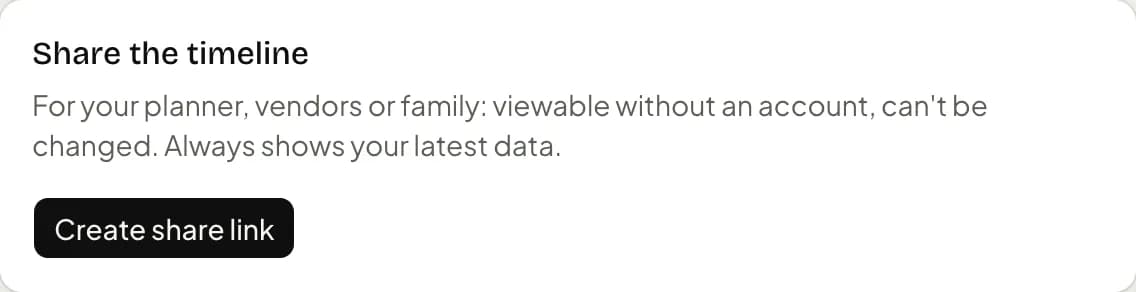
Share the timeline card - 2
Copy the link or send it on WhatsApp. They see the latest version every time they open it.
- 3
Tap Revoke link any time; the old link stops working immediately.