Seating plan & table cards
PremiumSeat guests at tables, see the seats left, then print table cards and a guest list.
- 1
Open Seating. Create tables one by one or many at once (for example 12 tables of 10 seats) with Create many tables at once.
- 2
On each table card, choose a guest and tap Seat. Seats count the people attending (or invited, if they haven't replied). Tables with too many people show in red.
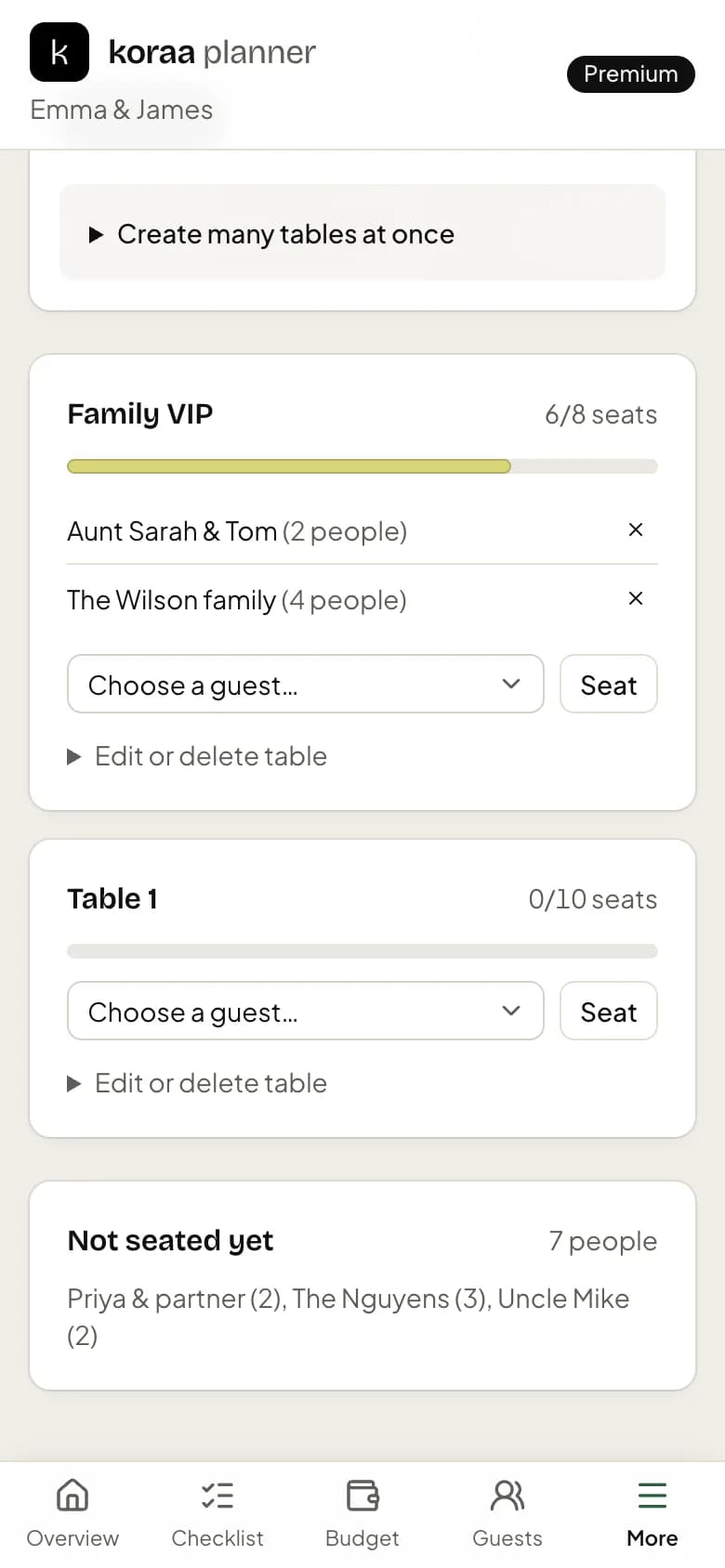
Seating plan with seat counts - 3
Tap Table cards to print each table's name and guests (2 per A4), or Guest list by table for the welcome desk.
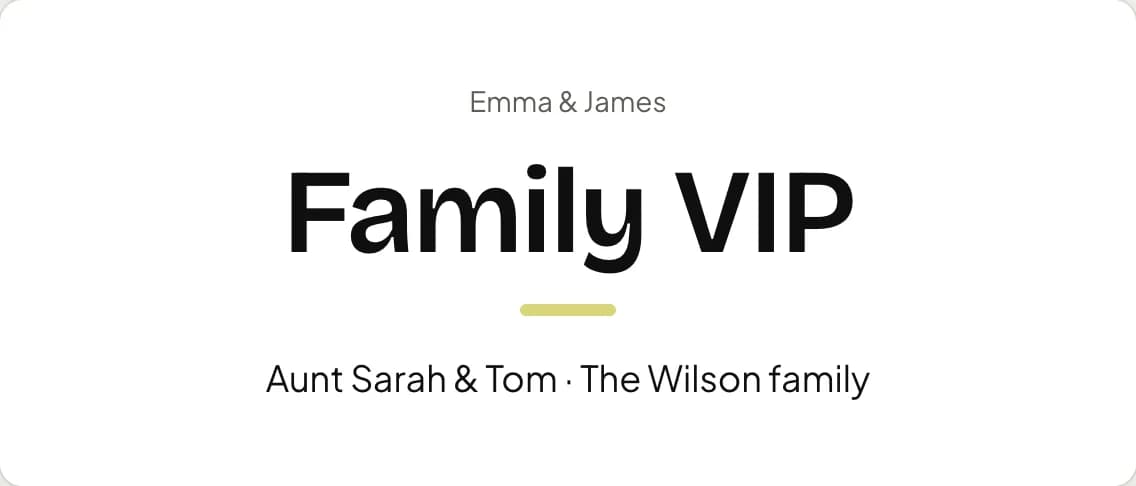
Table card ready to print