Voice wishes from guests
PremiumGuests scan a separate QR and record a wish of up to 2 minutes. Only the two of you can listen.
Creating the voice wishes QR
- 1
Voice wishes are included in Premium, at no extra cost. Open Voice wishes and tap Create voice wishes QR code.
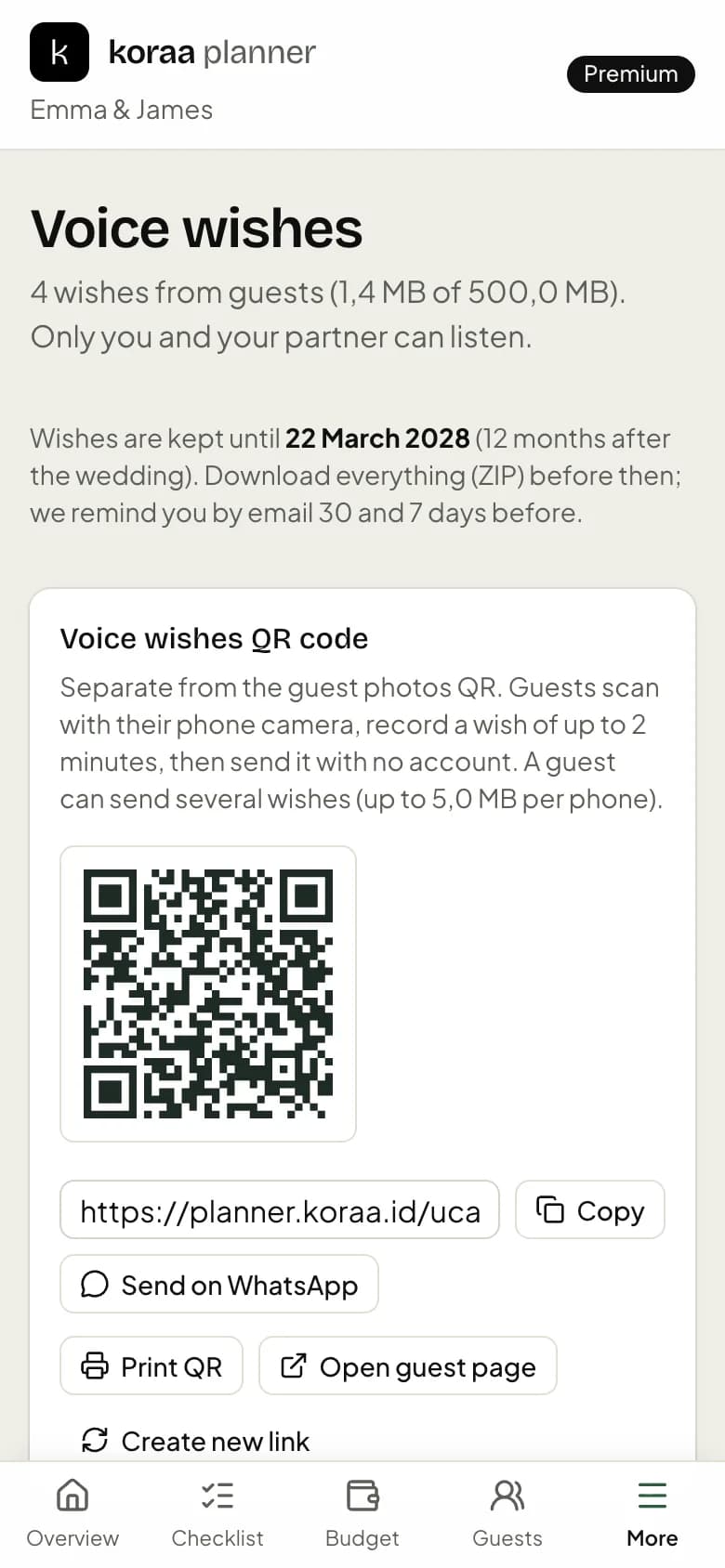
Voice wishes management page - 2
Tap Print QR and choose A4 poster (for the welcome desk) or Table card (4 per A4). This QR is separate from the guest photos QR, so guests know which is which.
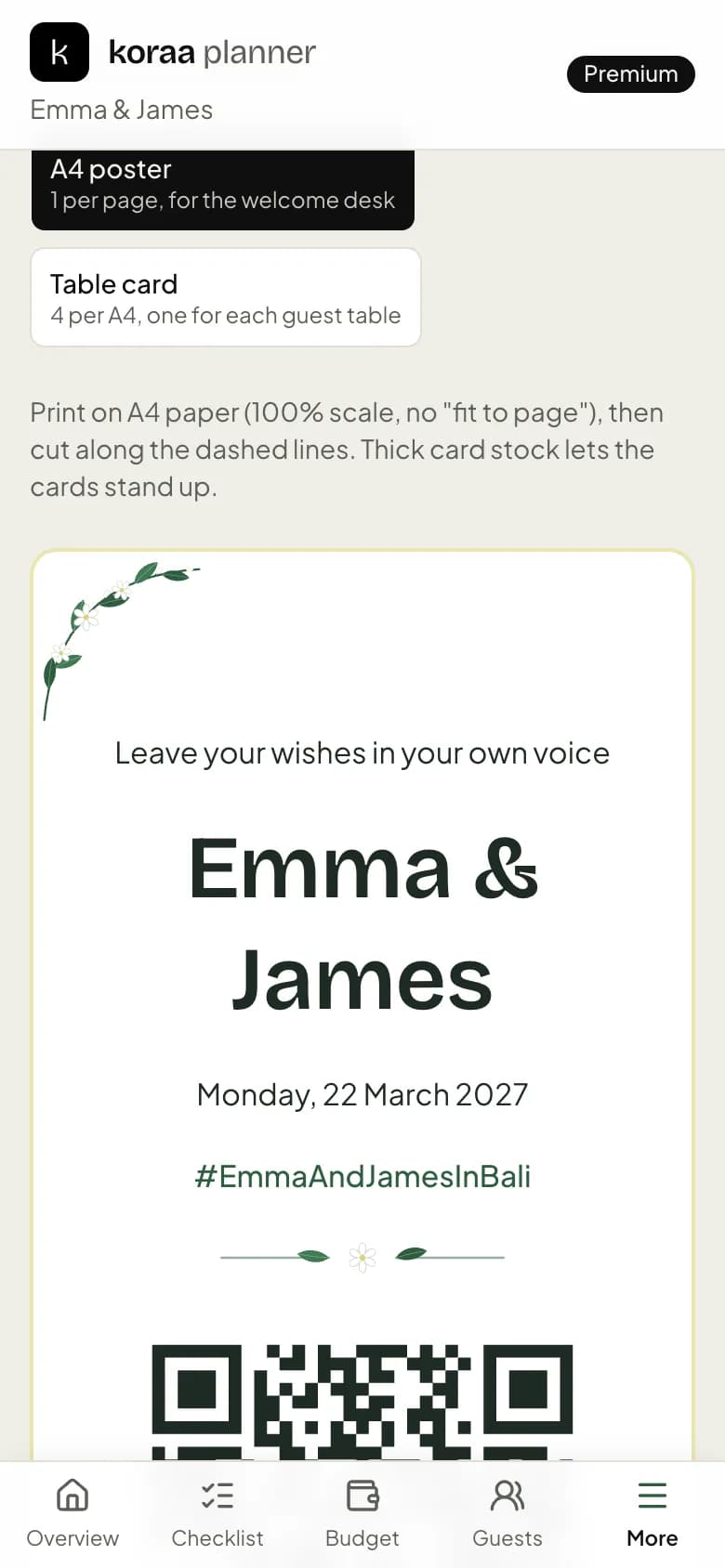
Voice wishes QR poster ready to print
How guests record
- 1
Guests scan the QR and tap Start recording. The first time, the phone asks to use the microphone: choose Allow. They speak for up to 2 minutes, then tap Done.
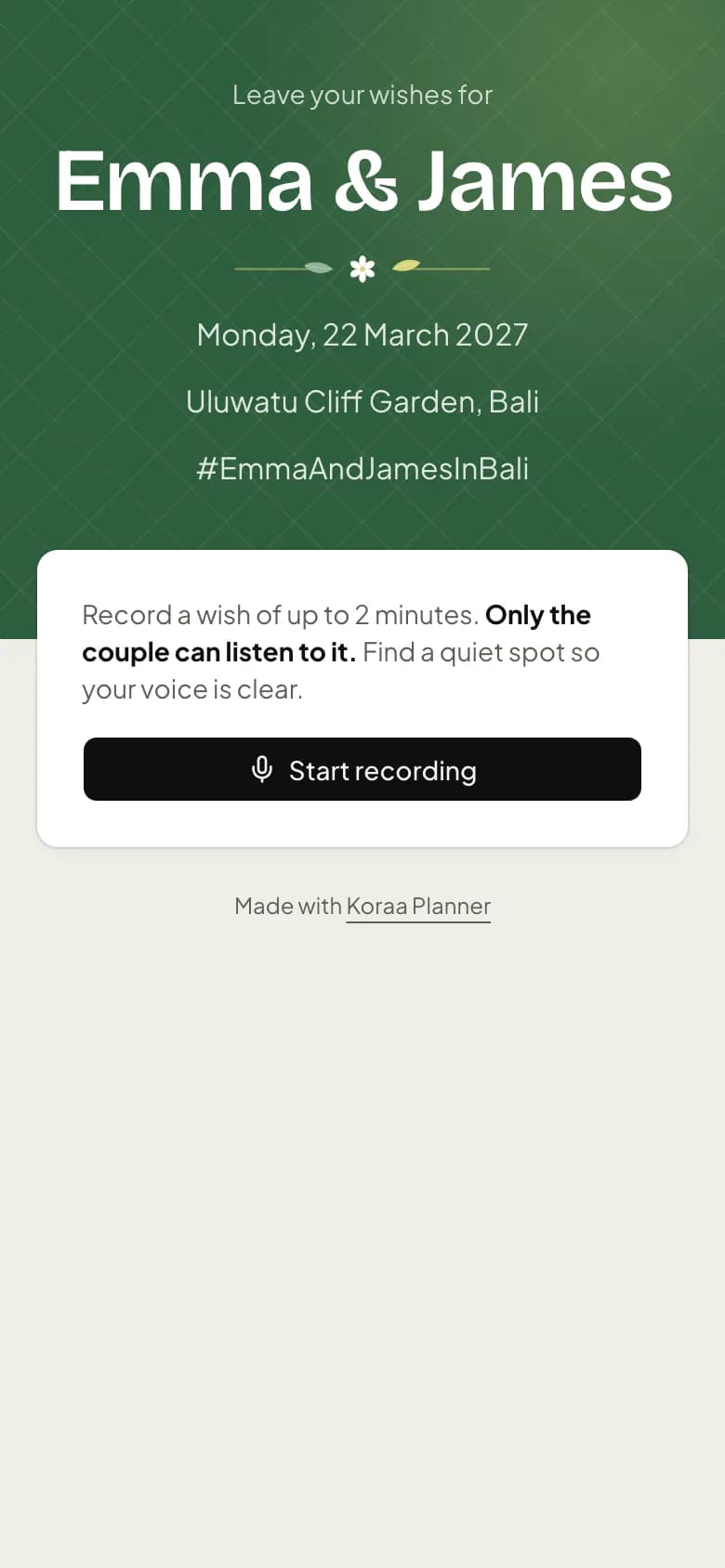
Guest page: Start recording button - 2
Guests can listen back and tap Record again if they want. They add their name, then tap Send wish. No app, no sign-up. If the name is empty, they're asked to confirm, because you wouldn't know who it's from.
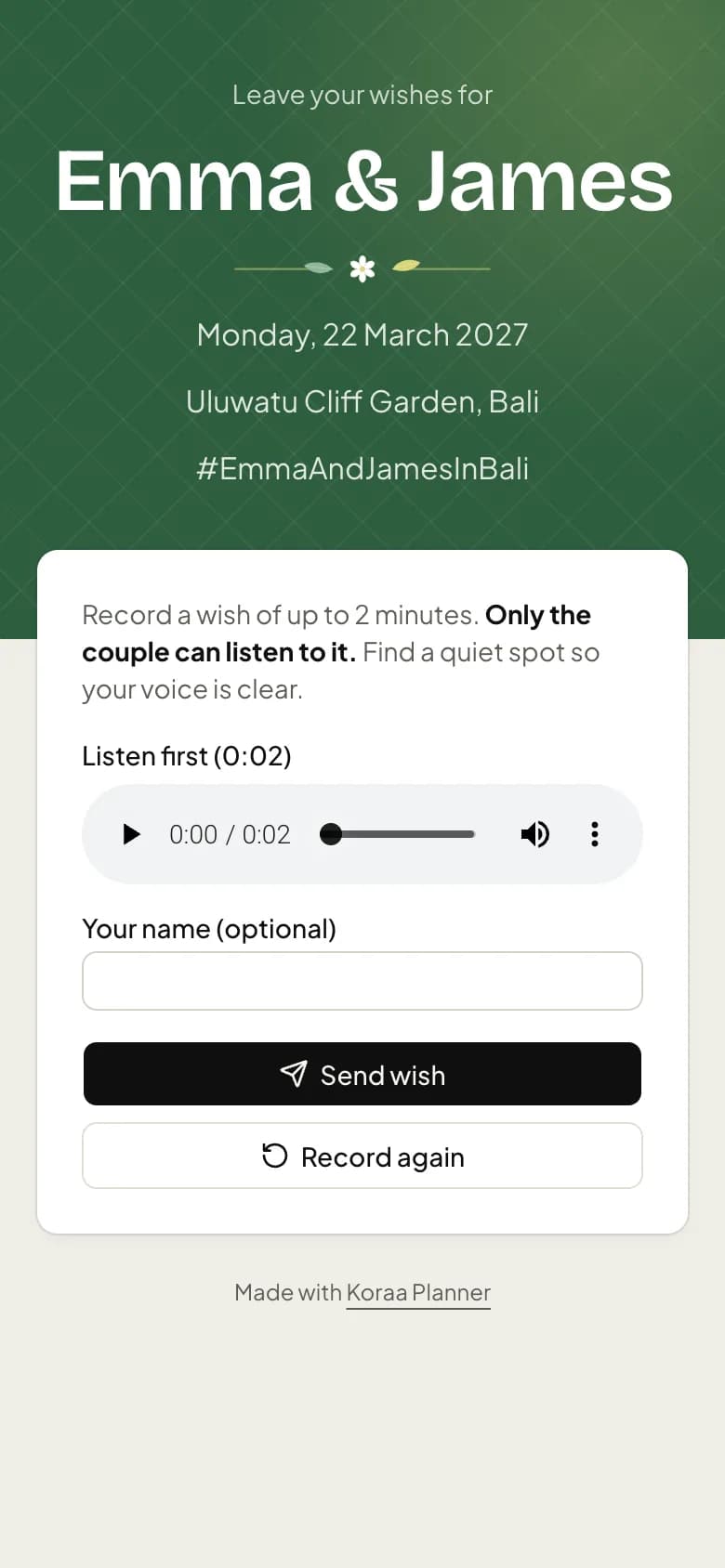
Listening back before sending - 3
After sending, a guest can record another wish, for example one from each parent on the same phone.
Listening & downloading
- 1
Wishes arrive on your Voice wishes page with the sender's name, time and length. Tap play to listen.
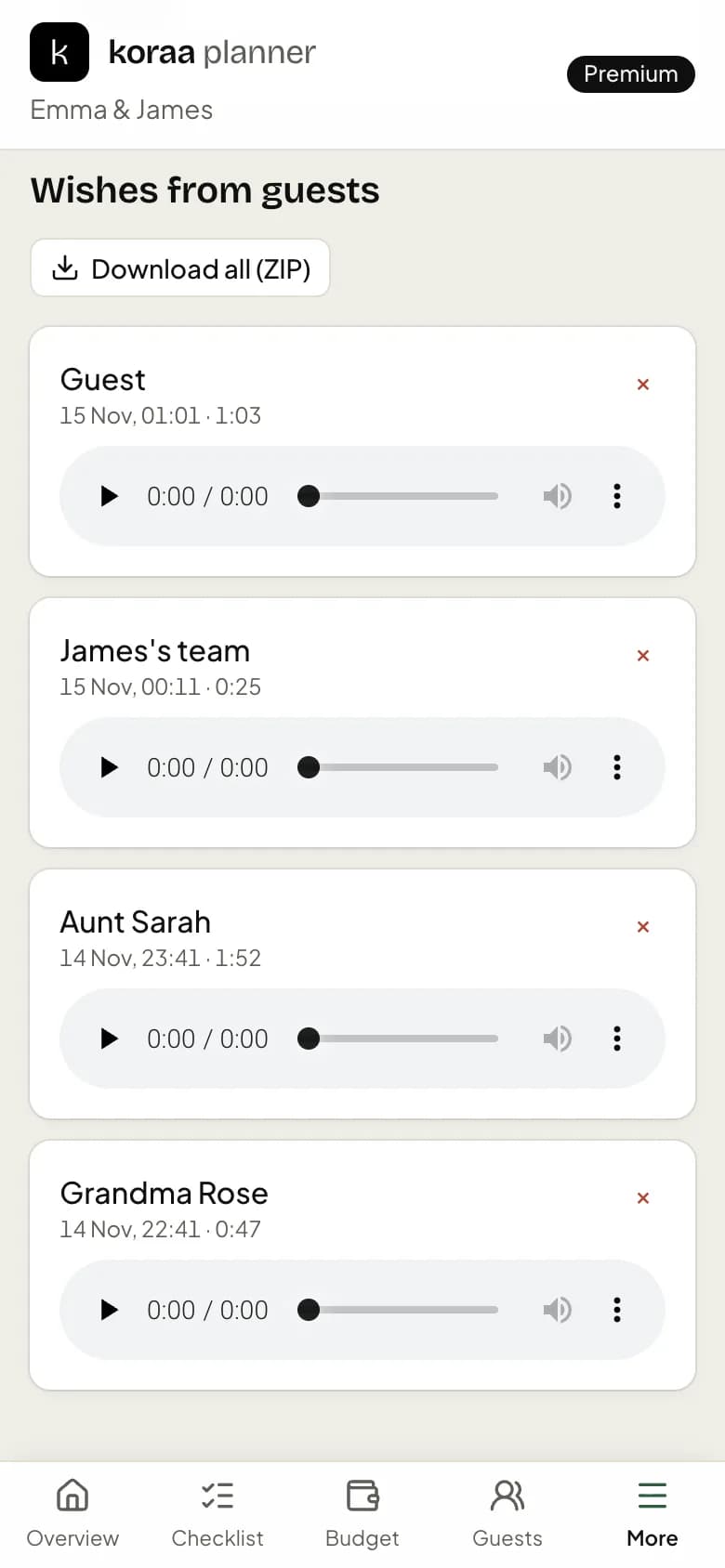
Wishes from guests with an audio player - 2
Tap Download all (ZIP) to save every wish. To delete one, tap × and confirm. Deleted wishes can't be restored.