Sign up & create your wedding
Create a free account, add both names and your wedding date, and the countdown starts right away.
- 1
Open planner.koraa.id/en and choose Start for free. Sign up with Google (fastest) or with your name, email and password.
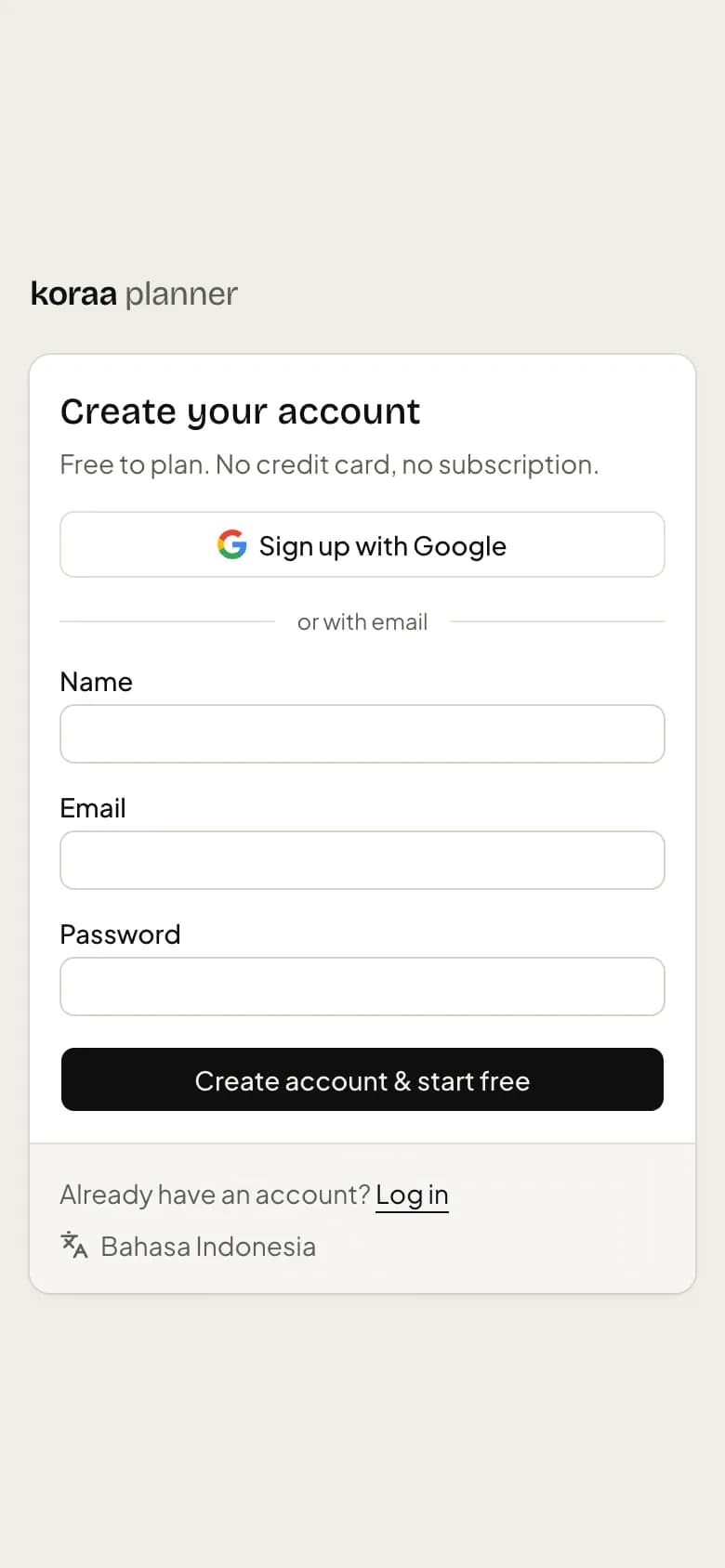
Koraa Planner sign-up page - 2
If you signed up with email, open the email from Koraa Planner and tap the verification button. Check your spam folder if it hasn't arrived.
- 3
Add both names. The wedding date, start time, venue, time zone and expected number of guests can be filled in now or later in Settings.
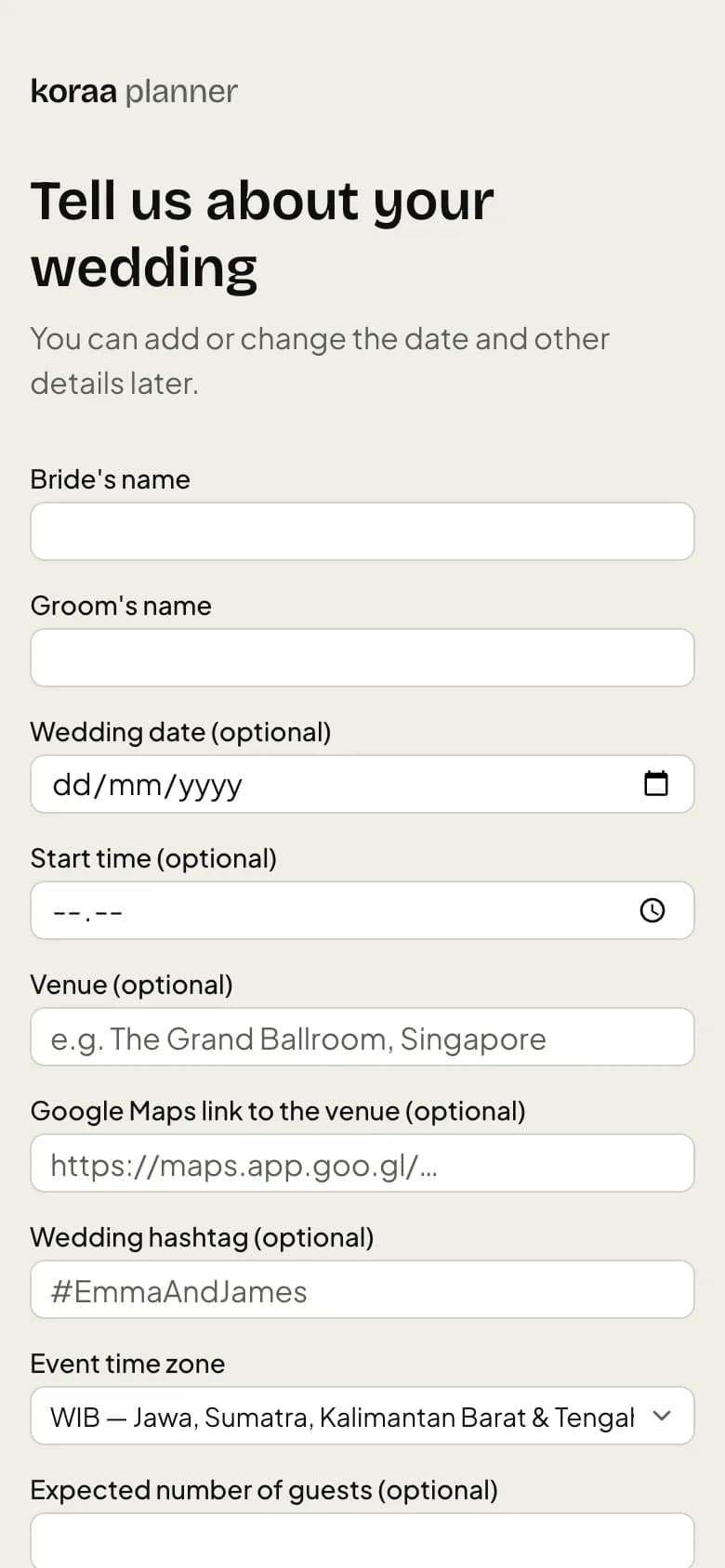
Form to create your wedding - 4
Tap Start planning. You land straight on the Overview.