Add Koraa Planner to your phone
Open it full screen like an app, without an app store.
- 1
On your phone, open the More menu (the last tab) and tap Install app.
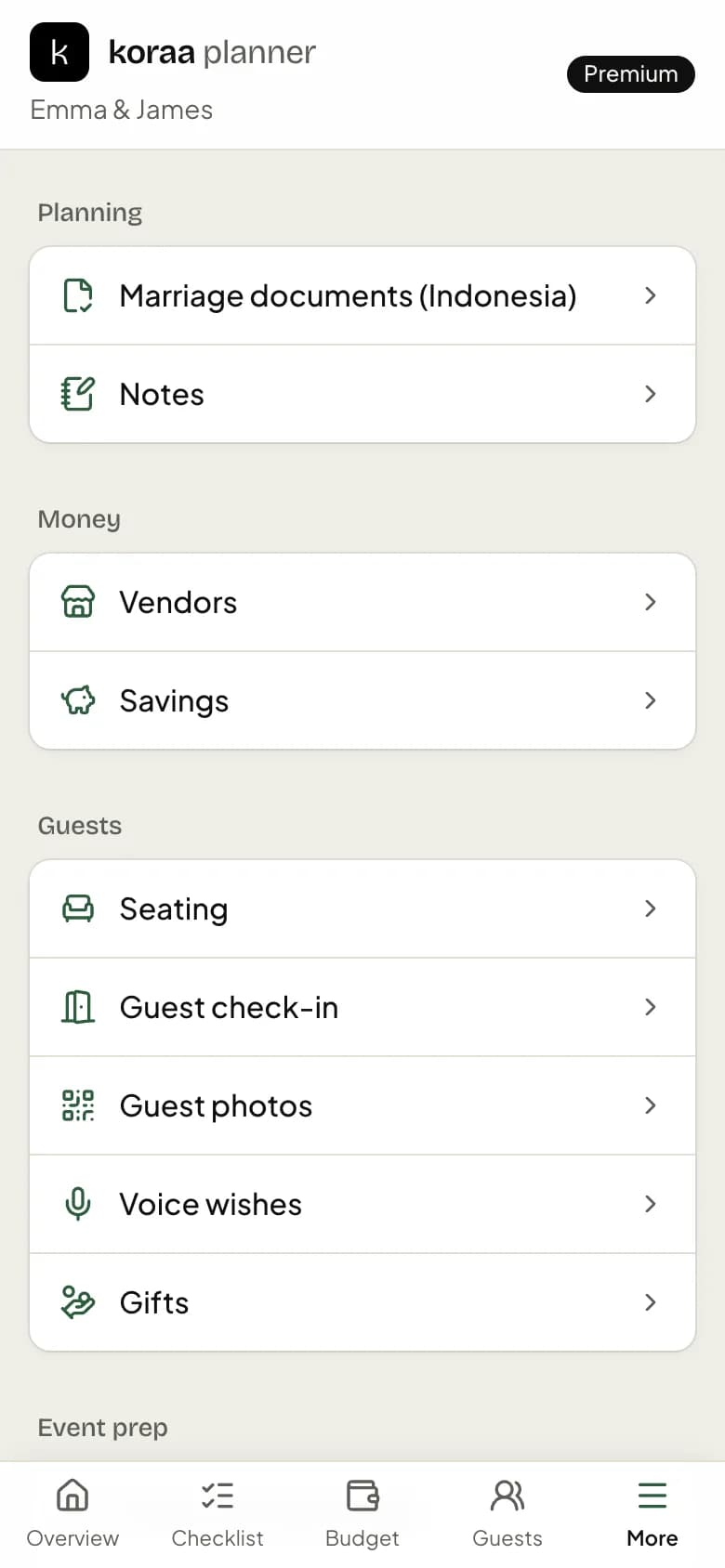
Install app card in the More menu - 2
iPhone: open planner.koraa.id in Safari, tap the Share button, then Add to Home Screen.
- 3
The Koraa Planner icon appears on your home screen. Open it from there for full screen.