The Overview
The countdown, your next tasks, money and readiness on one screen.
- 1
The green card counts down days, hours, minutes and seconds to the first event of your day-of timeline. The yellow bar shows how far through your planning journey you are.
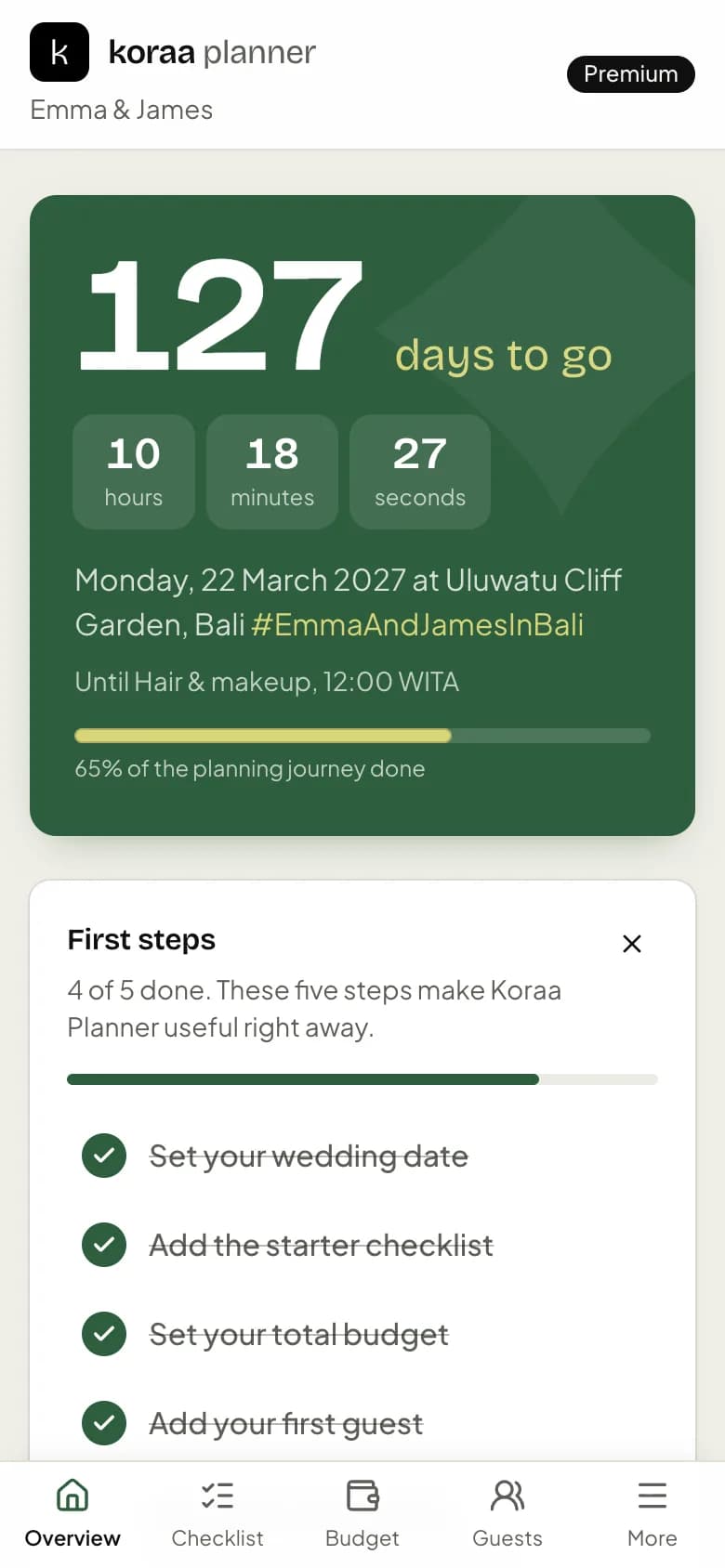
Overview with the countdown - 2
New weddings show a First steps card: set the date, add the starter checklist, set the budget, add guests and upload a cover photo. Each step ticks itself off when done; the card disappears when everything is done (or tap × to hide it).
- 3
Up next: your nearest tasks, with overdue ones in red. Tap one to open it.
- 4
Money: what's booked with vendors compared with your total budget. Readiness: tasks done, guests who replied and vendors booked.