Export your data to Excel
EssentialsOne Excel file with guests, budget, vendors, payments, gifts, seating and to-dos.
- 1
Tap Download Excel on the Guests, Budget, Vendors, Gifts or Seating page. That page's sheet opens first.
- 2
Or open Settings and tap Download all data (Excel).
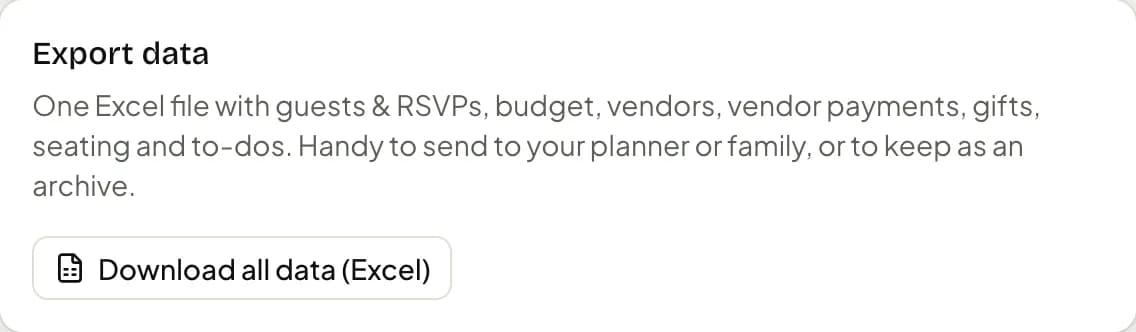
Export data card in Settings - 3
Open the file in Excel or Google Sheets. Every sheet has filters on the header row.