Vendors & payments
Contacts, status, agreed price, and every deposit, instalment and final payment.
- 1
Open Vendors then Add vendor. Fill in the name, category, status (Considering, Contacted, Booked), price and contact details.
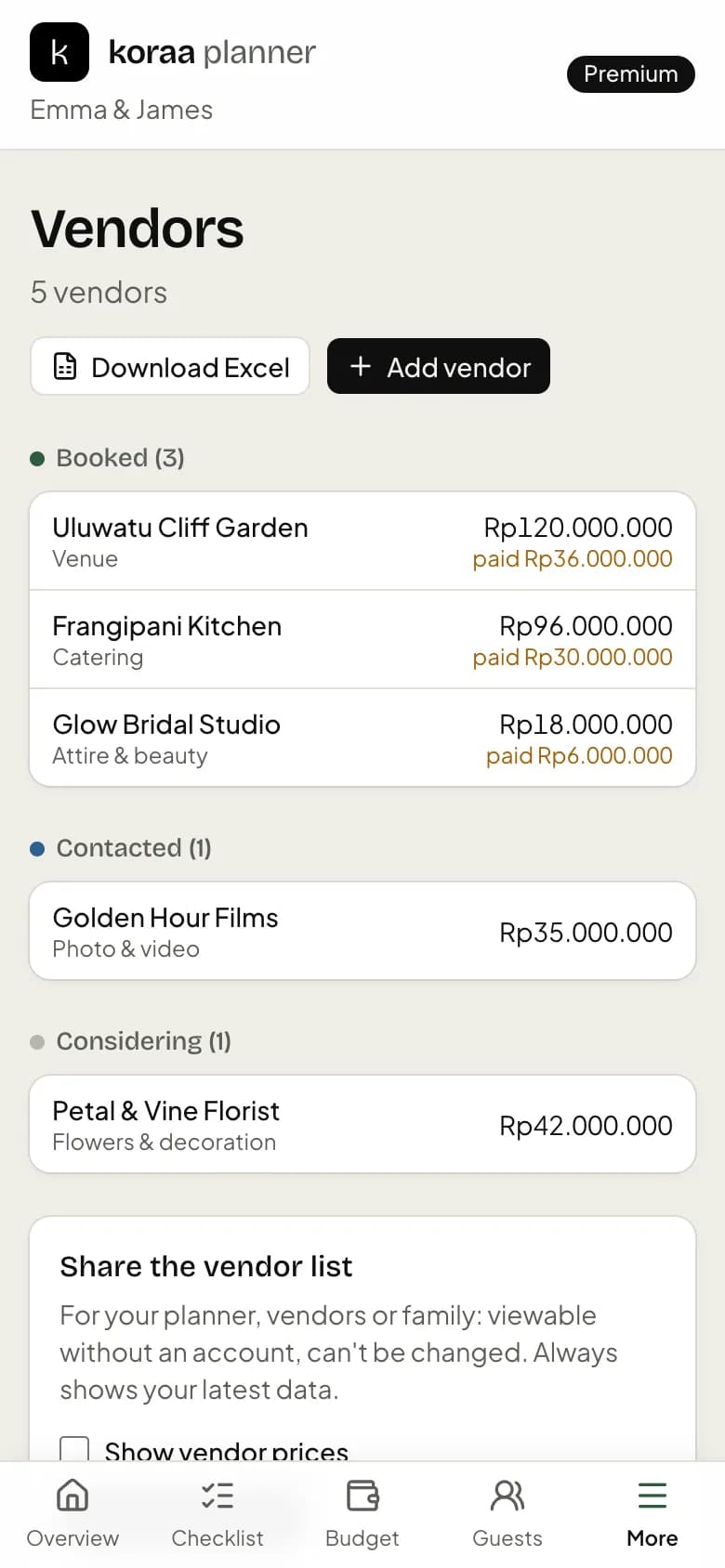
Vendor list by status - 2
Tap a vendor to open it. There, add payments: deposit, instalment or final payment, with due dates.
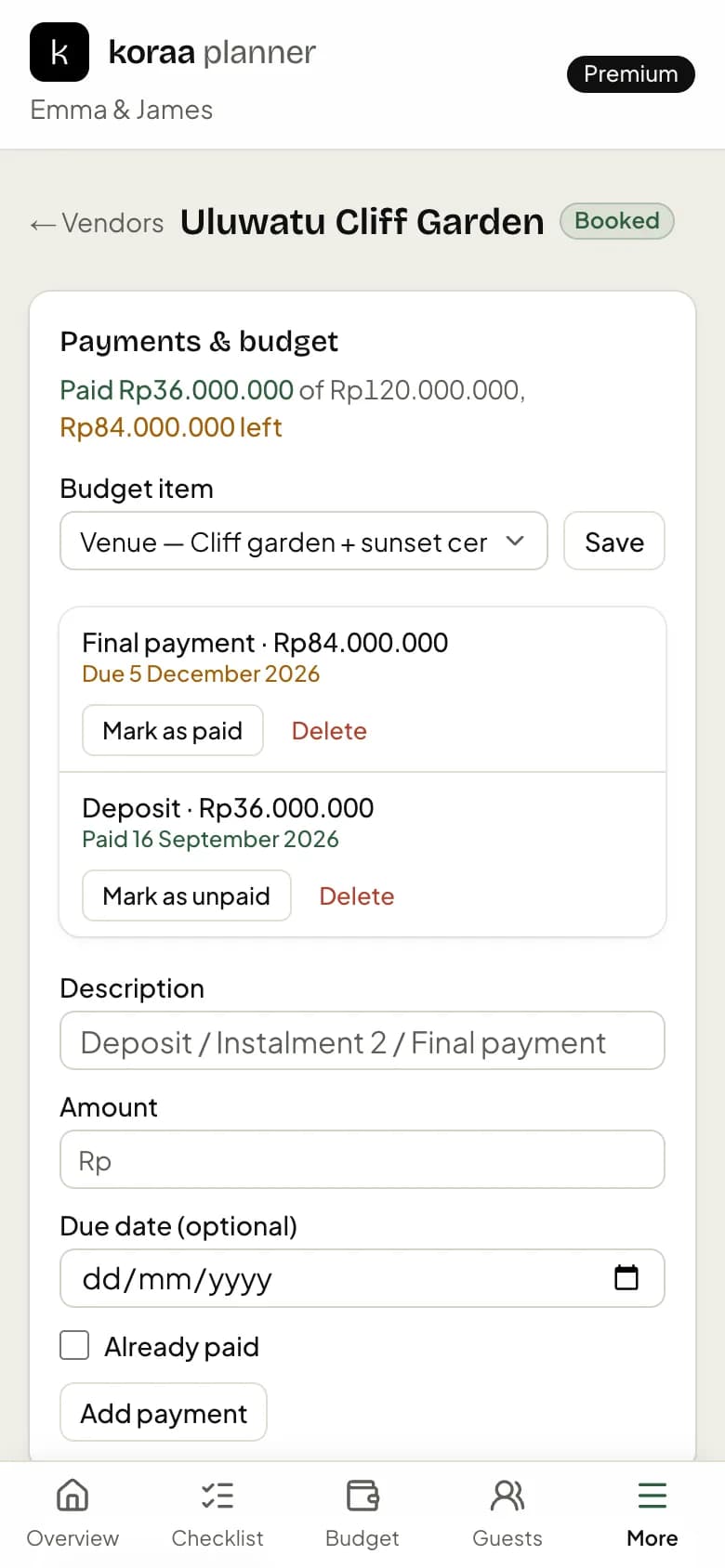
Vendor details with a payment schedule - 3
Tap Mark as paid once you've paid. Paid and Still to pay on the Budget page update too.